
Set break interval and squat goal
DeskScape uses your camera and on-device AI to count your squats—privately.
- Select between 4 exercises, rounds and reps
- Choose your break frequency
- Private, on-device moving detection
DeskScape uses your camera and on-device AI to count your squats—privately.
Stay focused while DeskScape lets you know when it’s time for a quick reset.
Track your progress and turn small breaks into a healthier daily routine.
Check the map to see how other people are breaking their desk, too
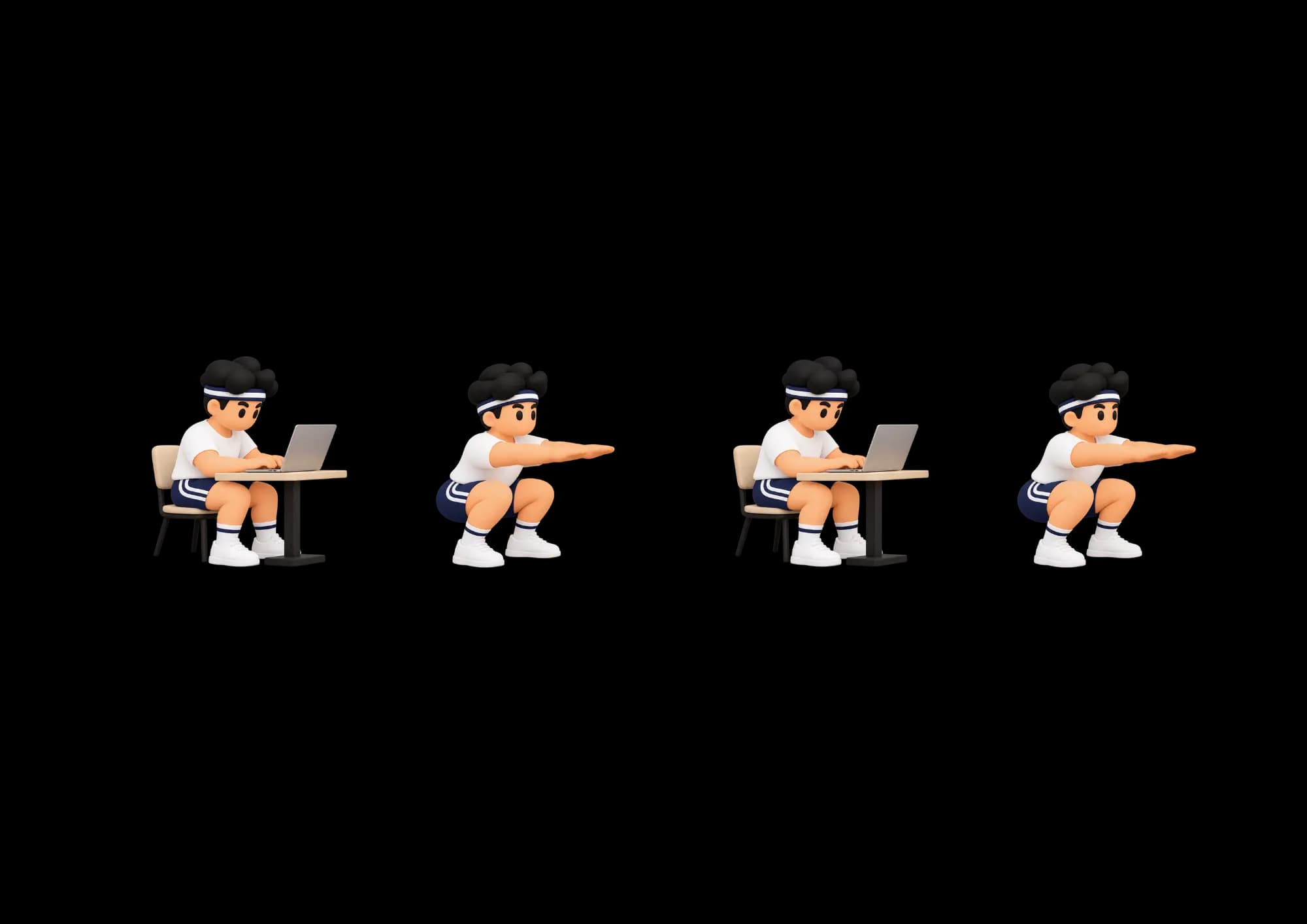
⛔️ Instead of fighting with that voice that negotiates everything...
Choose one exercise or combine them all.
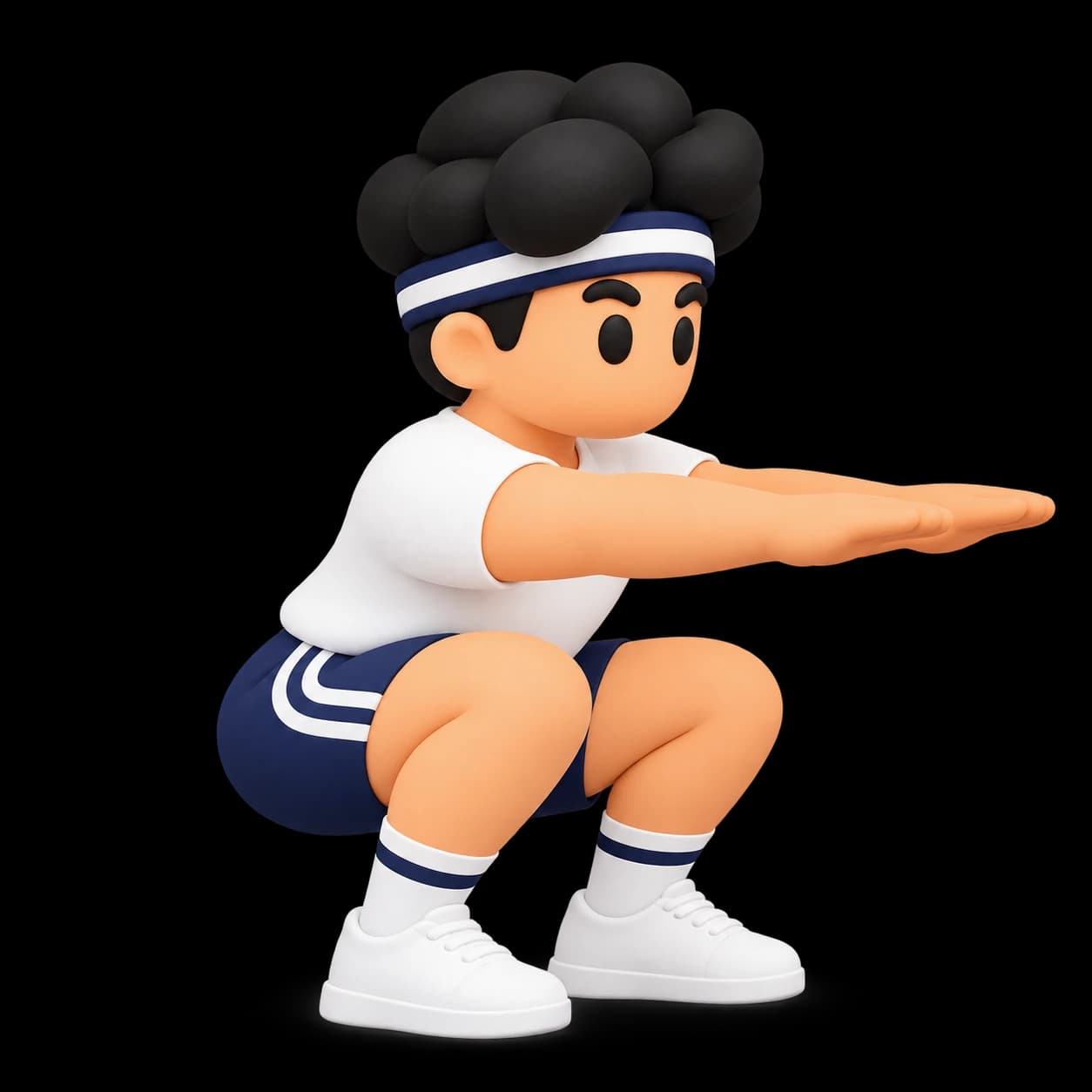
Build lower body strength
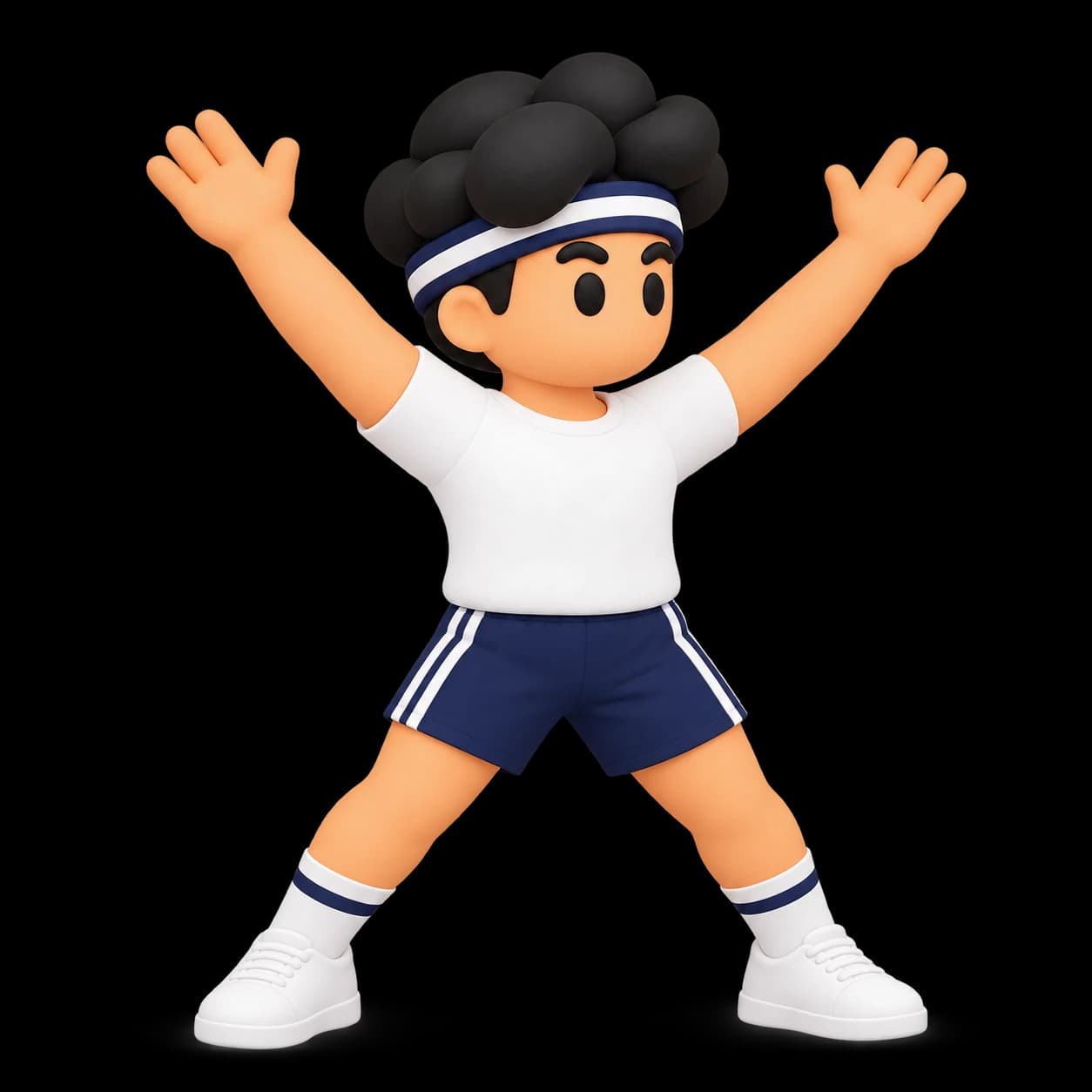
Get your heart rate up in seconds
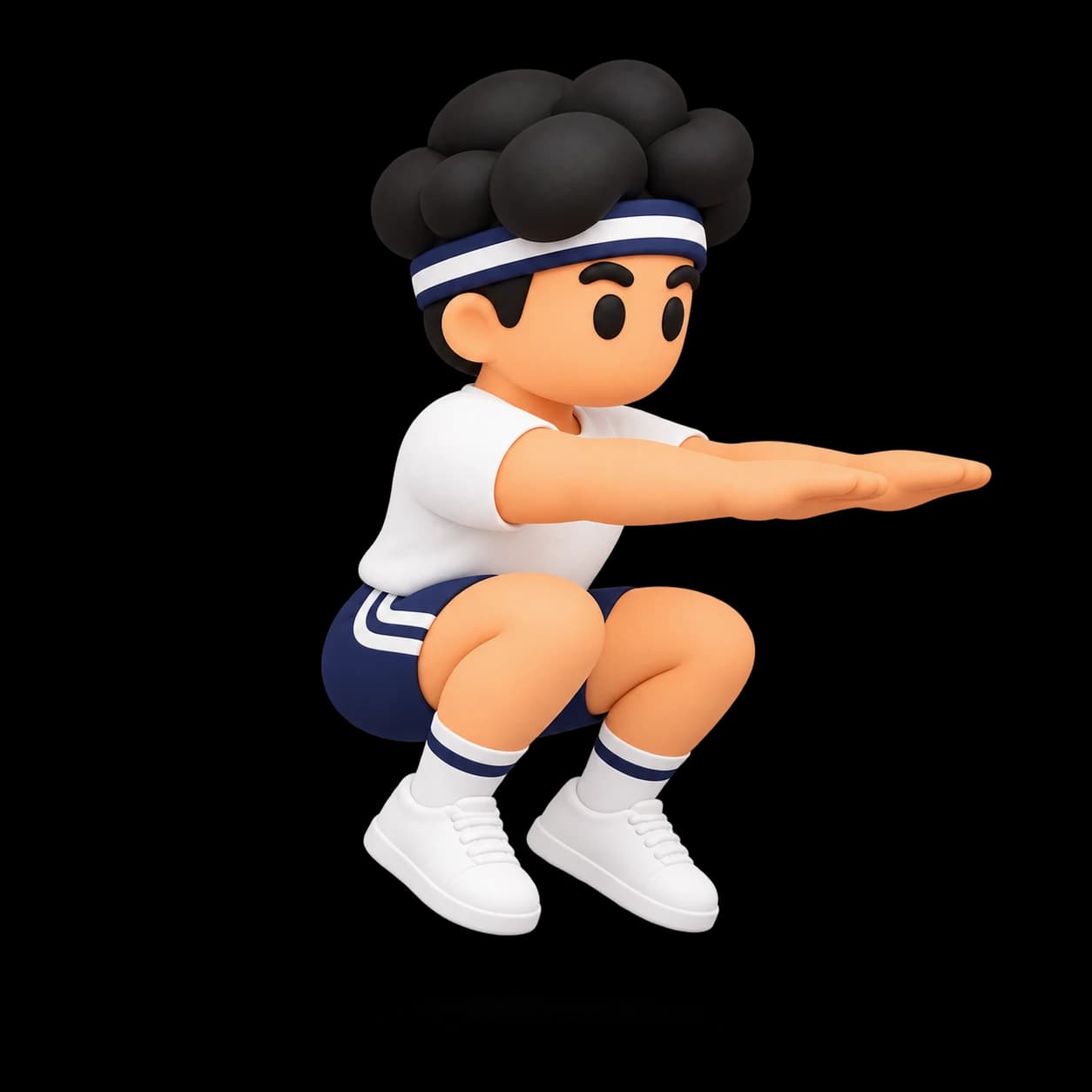
Power up with a bigger challenge
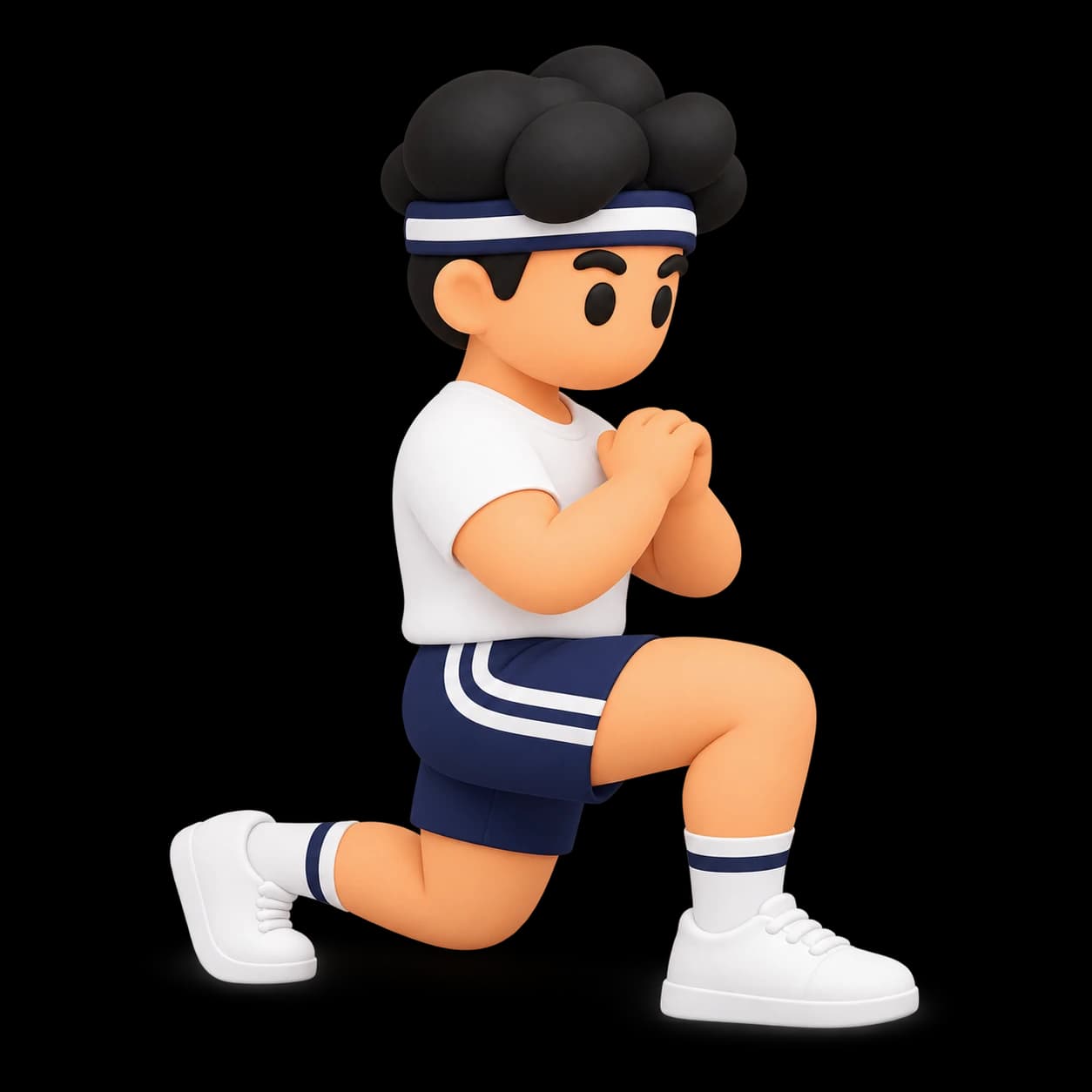
Improve balance and stability
Deskscape works directly on your device to help you create a clearer, more comfortable, and more personal desktop. Your data is never sold, never shared, and always remains under your control.

the guy who made DeskScape
Since I started coding, I spent many more hours sitting in front of the computer.
I ended the days feeling stiff and bad about myself for not moving.
But I didn't want to stop coding either because I loved it.
One day I discovered the concept of move break and I loved the idea.
So I decided to look for an app that would help me with this.
Since I didn't find any that fit me, I built it myself. I needed something simple but motivating
And that's how DeskScape started.
I use it every day to schedule move breaks during my coding sessions.
I'm sure it will also help you move more and get stronger without realizing it.
One-time payment
Personal license for 1 Mac · Secure checkout via

Everything you need to know before bringing more movement into your workday.
DeskScape is a macOS app that turns working sessions into short movement breaks. It reminds you when it is time to move, guides your routine, and counts your repetitions with on-device pose detection.
DeskScape is available for Macs with Apple Silicon. The download and installation instructions are provided after purchase.
Choose one or more exercises for each break: squats, jumping jacks, jump squats, and lunges. You can set the repetitions for each exercise and the number of rounds in your routine.
No. DeskScape uses the camera only while you are completing a movement break. You choose when to begin, and the camera stops when the break is complete.
Your camera video and pose detection are processed on your Mac. DeskScape does not record or upload your video, images, or body landmarks. Purchase and license information is handled separately as described in our Privacy Policy.
Yes. Set the number of minutes between breaks, enable reminders, and change your routine whenever you need to from Settings.
DeskScape keeps your completed break totals and repetition progress on your Mac, so you can see how your small daily sessions add up over time. Calorie figures are estimates, not medical measurements.
DeskScape is not medical advice, diagnosis, or treatment. If you have an injury, medical condition, or are unsure about an exercise, please speak with a qualified health professional before using it.
After payment, you receive a personal license key to activate DeskScape, along with the download instructions for your Mac. Keep your license key somewhere safe.
Each personal DeskScape license can be activated on one device. Licenses cannot be shared, resold, or used to distribute the app.
No. DeskScape is a one-time purchase. The current price is $15; Stripe shows the final amount before you complete payment.
Your applicable consumer rights and any specific terms for immediate digital delivery are shown before checkout. For help with a purchase or refund, contact us through the Terms & Refunds page.
DeskScape combines reminders, a routine you can tailor, on-device repetition counting, and progress tracking in one lightweight break ritual—without sending camera data away from your Mac.
Still have a question? Read our Privacy Policy and Terms & Refunds.